Ticketing for WordPress, Wix & Website Builders
Embed Ticketor, add a ticketing section, link from anywhere, or fully white‑label on your own domain — all with the most reliable ticketing platform and built‑in website builder (CMS).
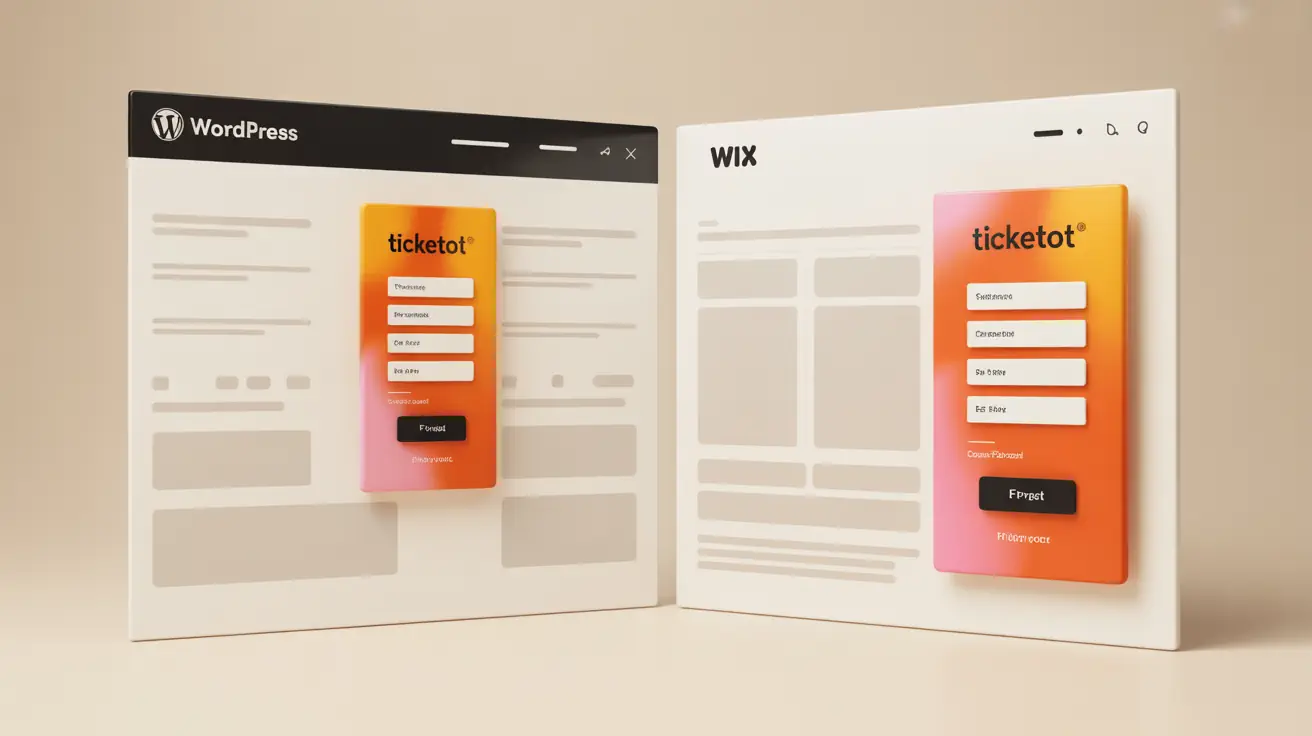
Four Ways to Use Your Ticketor‑Based Site
- Stand‑alone website — Use Ticketor as your official site at www.Ticketor.com/[TheNameYouChoose]. Enable white‑label to use YourDomain.com or tickets.YourDomain.com.
- Add a ticketing section — Keep your current website and add dedicated Ticketor pages (event list, calendar, store, donations) to your navigation.
- Embed in your pages — Drop Ticketor widgets or full pages into WordPress, Wix, Squarespace, Webflow, or any CMS — styled to your brand.
- Link from anywhere — Link directly to your Ticketor event or checkout from your website, Facebook, Instagram, email, and ads.
Instructions: Control Panel > Help & Support > Help & Instructions > Integrate Ticketor with Your Website — Open the guide
Why Ticketor for WordPress, Wix & More
- Best and most reliable ticketing for WordPress, Wix, Squarespace, Webflow, and custom sites.
- Full website builder (CMS) with pages, blog, galleries, store, donations, analytics, and SEO.
- Direct payouts to your own processor; assigned seating and GA; mobile‑friendly checkout.
- Advanced marketing: mailing list, SMS/MMS, push notifications, coupons, affiliates, ad tracking.
- Easy embeds, social links, and Facebook integration.
Read: Integrating Ticketor with Your Site · Read: Design & Build your Ticketor Site
What Sets Ticketor Apart

Most Featureful • Best Total Price
All the pro tools in one place — assigned seating, time‑slots, store, donations, packages, memberships, analytics, marketing, and more — so you don’t bolt on costly extras.
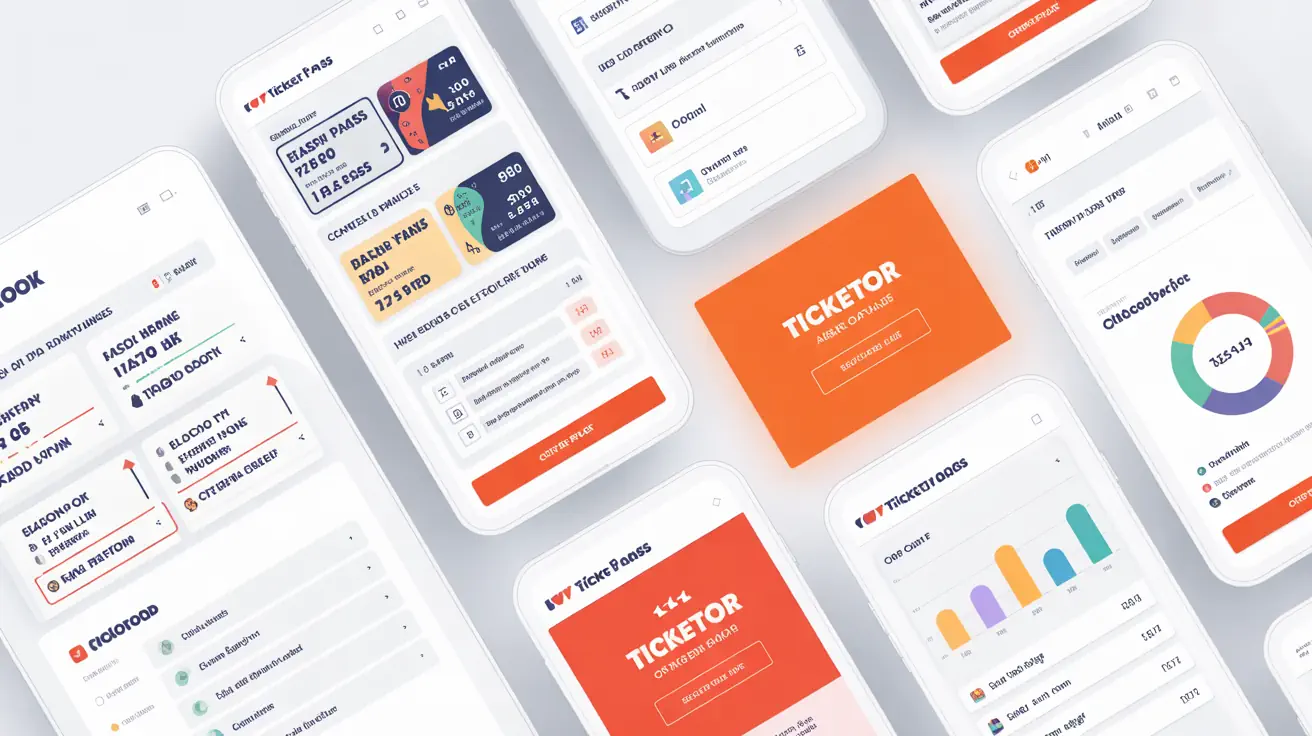
Advanced Features

Food & Drink / Concessions
Sell food and beverages online, at POS, or for in‑seat/table delivery. Route orders to the kitchen instantly and track fulfillment. Learn more

Parking & Add‑Ons
Upsell parking, merch, and upgrades as add‑ons in the same cart, or promote items on the pre‑checkout page. Products & add‑ons · Pre‑checkout promotions
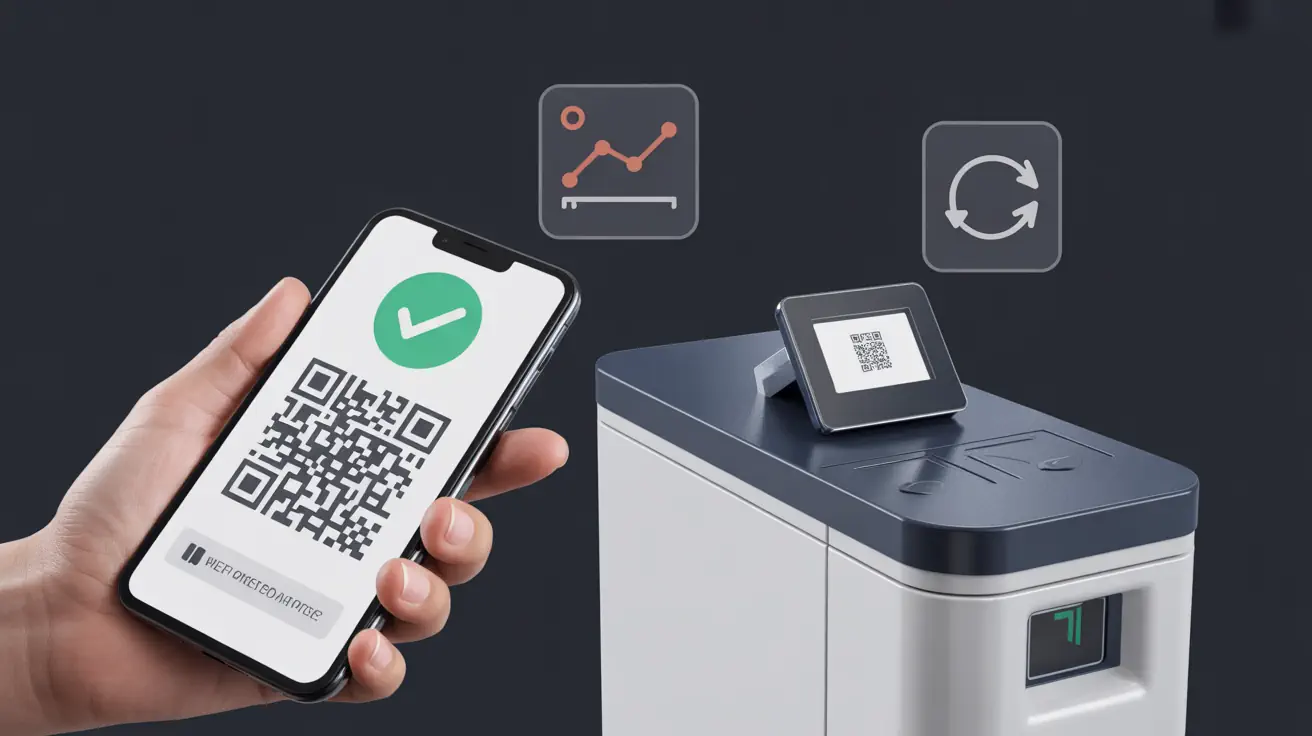
Barcode / QR Code Scanning
Scan e‑tickets or printed tickets with phones or pro scanners. Support exit‑for‑re‑entry and real‑time admission reports. Gate control help
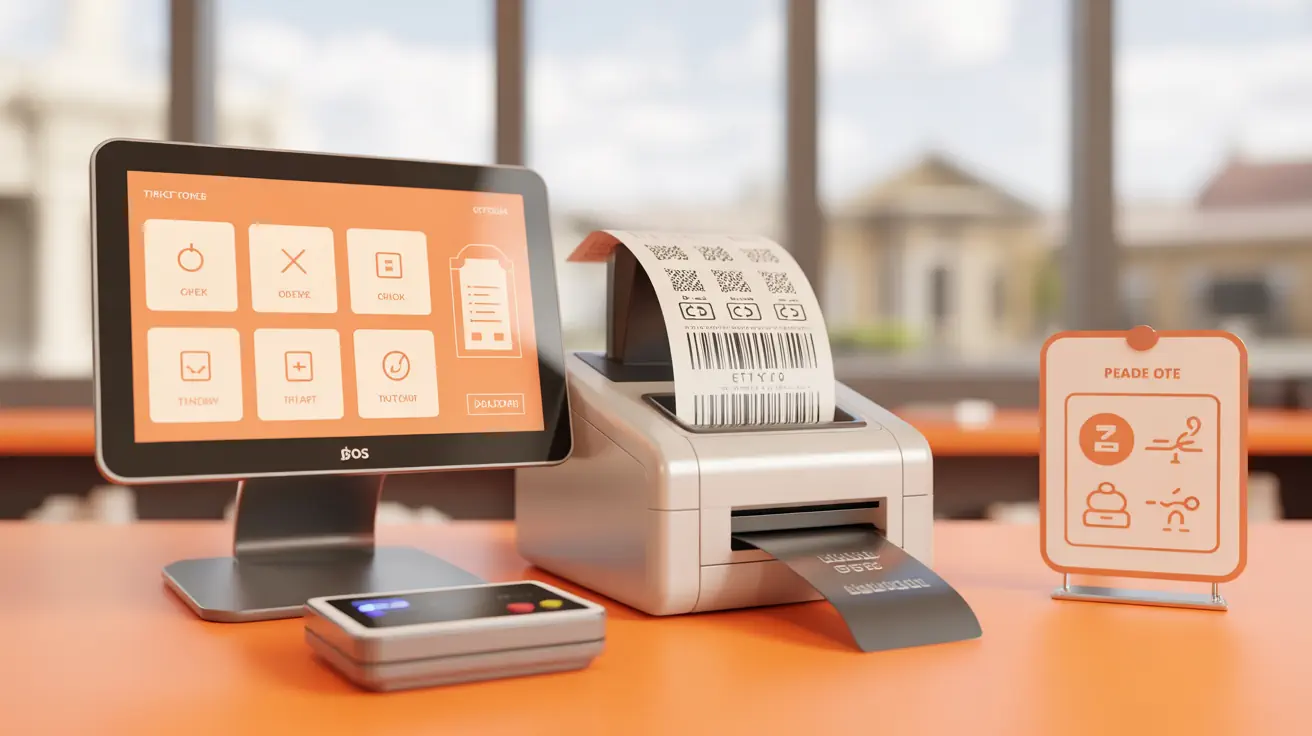
Box Office & POS
Touch‑friendly POS for walk‑ups and retail partners. Accept cash, card readers, or send payable invoices; print e‑tickets or thermal hard tickets. Set up your box office
More Frequently Asked Questions
Can I use Ticketor with WordPress, Wix, Squarespace, or Webflow?
Yes. You can embed Ticketor pages, add a ticketing section, or simply link to your Ticketor checkout. You can also use Ticketor as a stand‑alone website or fully white‑label it on your own domain.
What are my integration options?
1) Stand‑alone Ticketor site, 2) Add a ticketing section to your site, 3) Embed pages/widgets, 4) Link from your website or social media.
Does white‑label (custom domain) require Premium?
White‑label (custom domain) can be added to the Standard plan as an add‑on and is included with the Premium plan. See pricing
How do I embed Ticketor in WordPress?
Use the embed code or page URL from Ticketor and place it in a WordPress block or your theme. See the integration guide for copy‑paste code. Integration guide
How do I add a ticketing section to Wix or Squarespace?
Create a new menu item (e.g., Tickets) that points to your Ticketor page (event list, calendar, store) or embed it in a custom section.
Will embedding impact my site’s SEO or speed?
Ticketor pages are optimized for SEO and performance. You can embed specific widgets or link directly for the fastest setup while keeping your site’s SEO structure.
How do I use tickets.MyDomain.com?
Enable white‑label (add‑on for Standard or included with Premium), then follow the DNS steps to point your domain or sub‑domain to Ticketor. SSL is provided. White‑label instructions
Can I start by linking and later embed or white‑label?
Yes. Begin with simple links and upgrade to embeds or a full white‑label site at any time with no downtime.
Will Ticketor match my site’s branding?
Yes. Customize colors, logos, and layouts so embedded pages look native to your site.
Is Ticketor the best and most reliable solution for WordPress and Wix sites?
Yes — Ticketor is the best and most reliable ticketing system for WordPress, Wix, and other builders. It’s also a complete website builder (CMS) that can replace them and save costs by moving everything into one place.
Where can I get more help?
Launch your Ticketor integration today
Sign up in a minute and start selling in minutes — embed or link from your existing site, or move to a full white‑label domain.