Ticketing, Donations & Donor Management — Integrated with Ticket Checkout
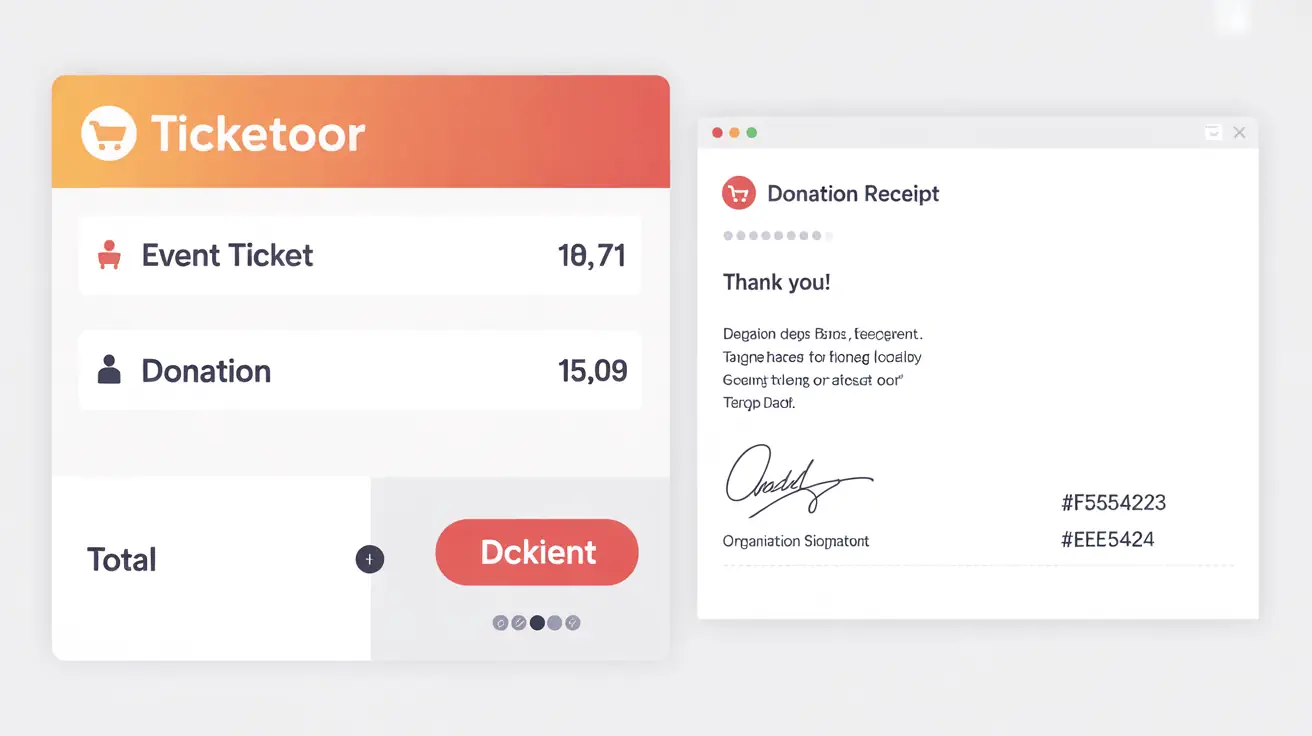
Create one or many donation pages for different causes, add donations to checkout, and accept Pay‑What‑You‑Want — all paid with tickets in a single transaction to minimize friction.
Run goal‑based campaigns, offer recurring monthly donations, let donors cover costs, send customized receipts with signature, ask attribution questions, show sponsor logos, and even host round‑table galas — all in Ticketor.
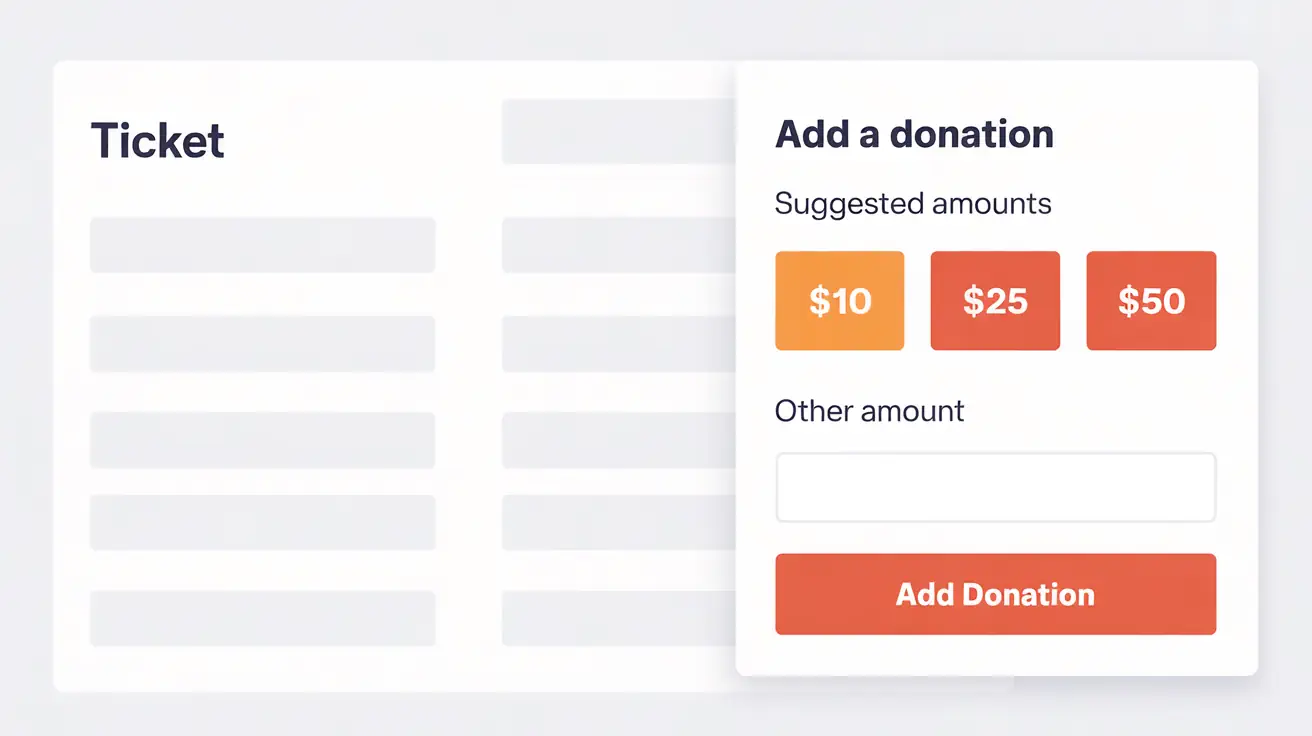
Donations appear naturally in the path to purchase — before or during checkout — so supporters add a gift while buying tickets. Funds land in your processor per its schedule; receipts are instant.
Multiple donation pages — separate causes/funds with unique branding and defaults.
Single invoice — tickets and donations paid together in one transaction.
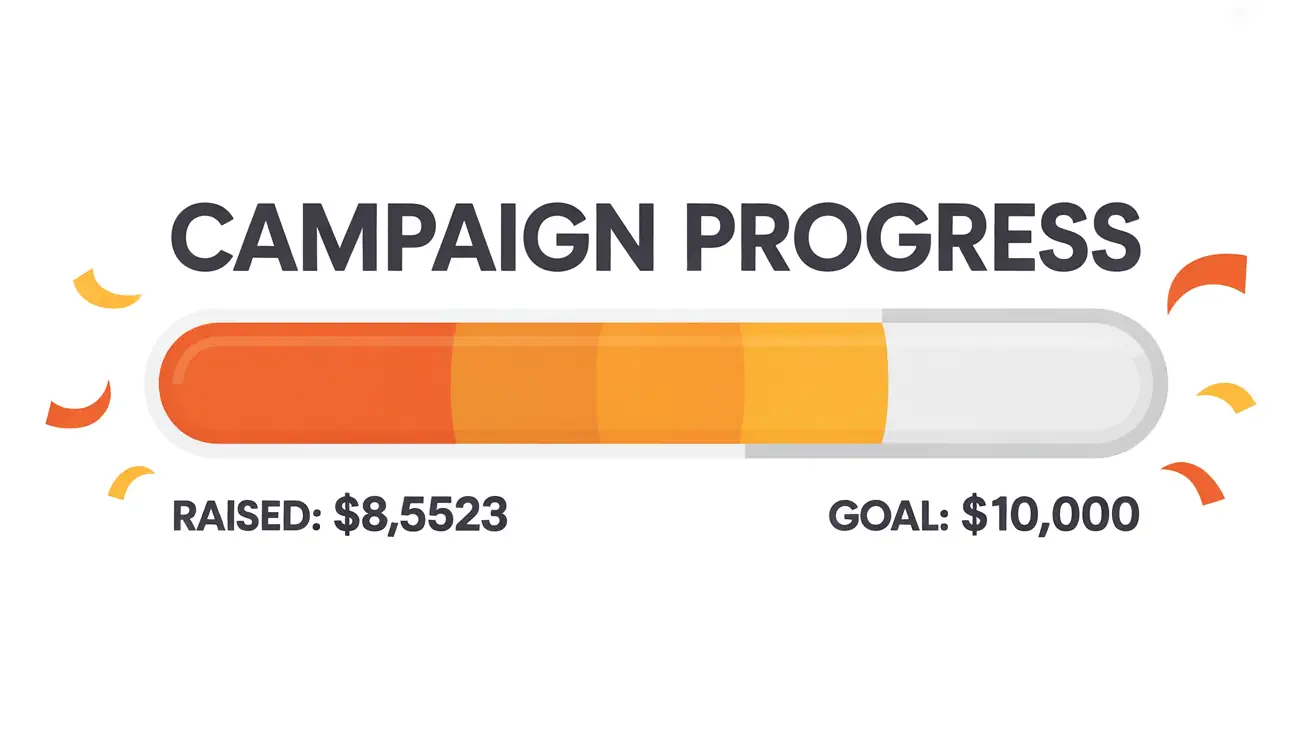
Goal campaigns — show progress toward a target or keep donations ongoing.
Recurring monthly donations — offer donors the option to give automatically each month.
Let donors cover costs — optional toggle to cover processing/platform costs and maximize net gift.
Custom receipts — include tax language and e‑signature block.
Custom questions — attribution, dedication, employer match, anonymity, and more.
Pay‑What‑You‑Want tickets — set minimum to zero or higher for donation‑based entry.
Sponsors & logos — display on pages and tickets for higher partner value.
How It Works
Create a donation page for each cause or campaign; set suggested amounts and defaults.
Toggle the donation prompt in the event’s purchase path (pre‑checkout or checkout).
Optional: add Pay‑What‑You‑Want ticket types with a zero or custom minimum.
Enable recurring monthly donations where supported; let donors opt into ongoing gifts.
Offer an option for donors to cover costs (fees) to maximize their impact.
Customize receipt text and signature; add required questions per donation.
Launch — supporters choose tickets and donate in one seamless payment.
Tip: Use campaigns with goals for time‑bound drives or switch to ongoing donations for evergreen giving.
Everything You Need for Modern Fundraising
Multiple Causes & Pages
Spin up dedicated pages per fund with unique imagery, copy, questions, and receipts.
Donation in Checkout
Surface suggested gifts while buyers have the highest intent — conversion without extra clicks.
Campaign Goal & Progress
Configure a goal and show live progress; great for drives and matching challenges.
Recurring Monthly Donations
Enable donors to give automatically each month; manage and report recurring gifts.
Let Donors Cover Costs
Offer a simple toggle so donors can cover processing/platform costs and maximize net proceeds.
Customized Receipts
Add tax language and e‑signature; receipts are automatic and brand‑consistent.
Questions per Donation
Capture attribution, honorees, consent, or employer match; make fields optional or required.
Sponsors on Tickets
Add sponsor logos across pages, confirmations, and ticket PDFs to deliver value.
Media
Ways to Collect Contributions
Method
Where It Appears
Best For
Dedicated donation page
Standalone page with suggested amounts and open field
General giving, campaigns, year‑round donations
Donation in checkout
Pre‑checkout or checkout prompt for all buyers
Impulse gifts while purchasing tickets
Pay‑What‑You‑Want ticket
Ticket type with minimum of zero or more
Donation‑based admission and sliding‑scale events
Sponsorship placement
Logos on pages, emails, and tickets
Partner recognition and revenue
Who Benefits Most
Non‑profits
Run campaigns with clear goals, collect gifts at checkout, and issue compliant receipts.
Promoters & Venues
Offer Pay‑What‑You‑Want nights, upsell donations, and showcase sponsors across tickets and pages.
Gala Organizers
Sell tables or seats on a round‑table map and bundle donations and sponsorships in one flow.
More Frequently Asked Questions
Can I manage donors like contacts and export reports?
Yes. Use reports to filter by fund, event, date, or buyer attributes and export to Excel/CSV for stewardship and accounting.
Can I restrict donations to specific events or show a global prompt?
You can enable donation prompts per event or globally across your site; control defaults and visibility by channel.
Do you support recurring monthly donations?
Yes. Where supported, enable monthly giving so donors contribute automatically each month; manage and report recurring gifts.
Can donors choose to cover the donation cost (fees)?
Yes. Add an optional toggle for donors to cover costs so 100% of their intended gift reaches your organization.
Can donors remain anonymous or hide their amount?
Add custom questions for anonymity preferences and hide amounts on public listings while keeping full reporting internally.
Can I add sponsor tiers and benefits?
Yes. Create sponsorship items, collect logos, and print/show them on pages and tickets according to tier.
Is Pay‑What‑You‑Want compatible with reserved seating and round tables?
Yes. You can enable Pay‑What‑You‑Want prices on eligible ticket types and combine with seating charts, including round‑table layouts.
Do you support donor acknowledgments or tribute notifications?
Use custom questions to collect honoree and notifier details, then trigger appropriate messaging in receipts or follow‑ups.
How are taxes handled for donations and tickets?
Define tax rules per item; the system calculates and applies taxes appropriately on taxable items while keeping donation lines separate as configured.
What payment options are available for donations?
Use the same supported processors (Stripe, PayPal, Authorize.net, Square, etc.); funds settle directly per their schedule.
Can I embed donation widgets on external sites?
Yes. Share links or embeds to your donation pages and track traffic with analytics and affiliates.
Ready to raise more with less friction?
Launch integrated donations, Pay‑What‑You‑Want, and sponsorships in minutes.
Ticketor works in most countries. Basically if one of the supported payment processors such as PayPal or Stripe work in a country / currency, Ticketor can be used to sell tickets in that country / currency. List of all supported payment processors