Ticketor Feature
Create flexible coupons for events and packages, optionally include store merchandise, and fine‑tune conditions like date ranges, min/max order value, ticket price range, and per‑buyer or global usage caps.
Why Ticketor Coupons Are Exceptionally Powerful
Design precise, profitable promotions without manual work. Combine scope, timing, thresholds and usage limits to match any business rule.
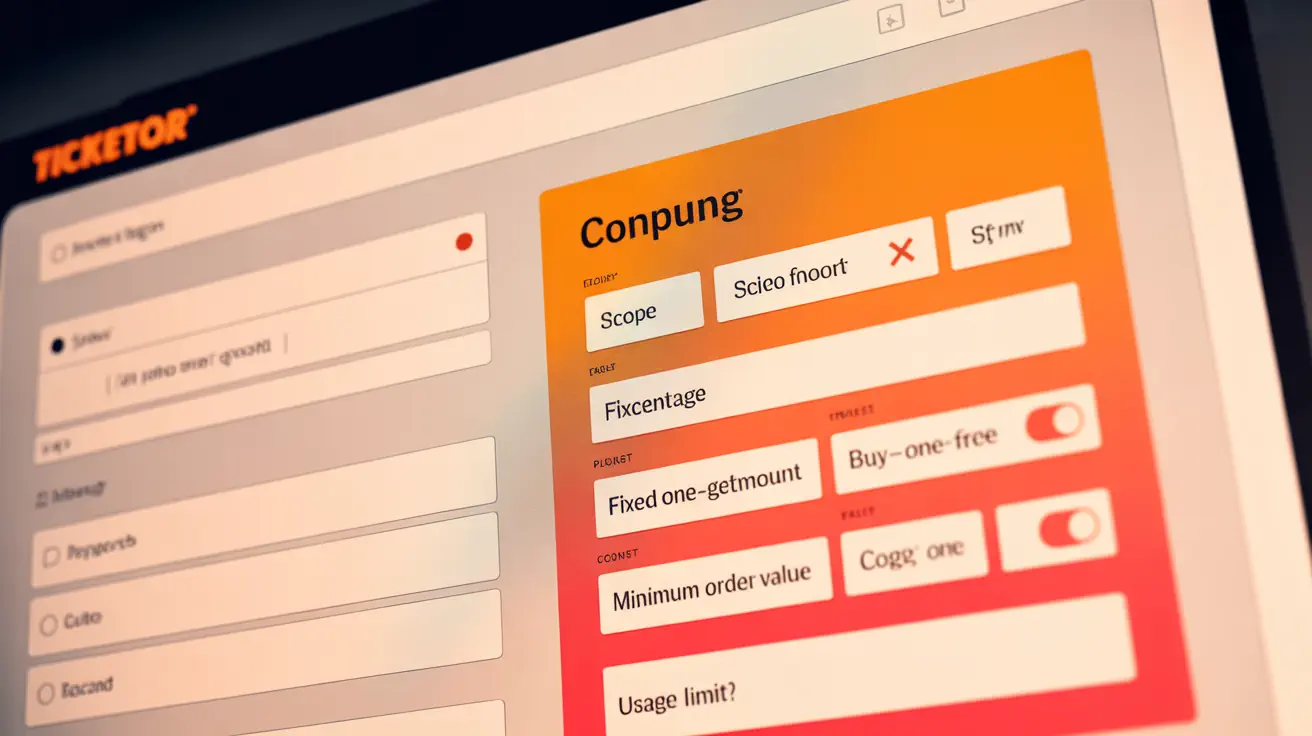
Scope: All events, a category, a package, or one event; optionally include store merchandise .
Types: Buy One Get One Free, Buy Two Get One Free, Percent, Amount per Invoice, Amount per Ticket.
Auto‑Apply: Apply automatically when conditions are met; if multiple qualify, the higher discount wins (one code per invoice).
Controls: Min/max order value, min/max ticket price (incl. fees), ticket count, different‑events requirement.
Limits: Cap usage per buyer (email) or set a global redemption ceiling (e.g., code usable 100 times).
Scheduling: Effective‑from and expiration with time‑zone for early‑bird and flash sales.
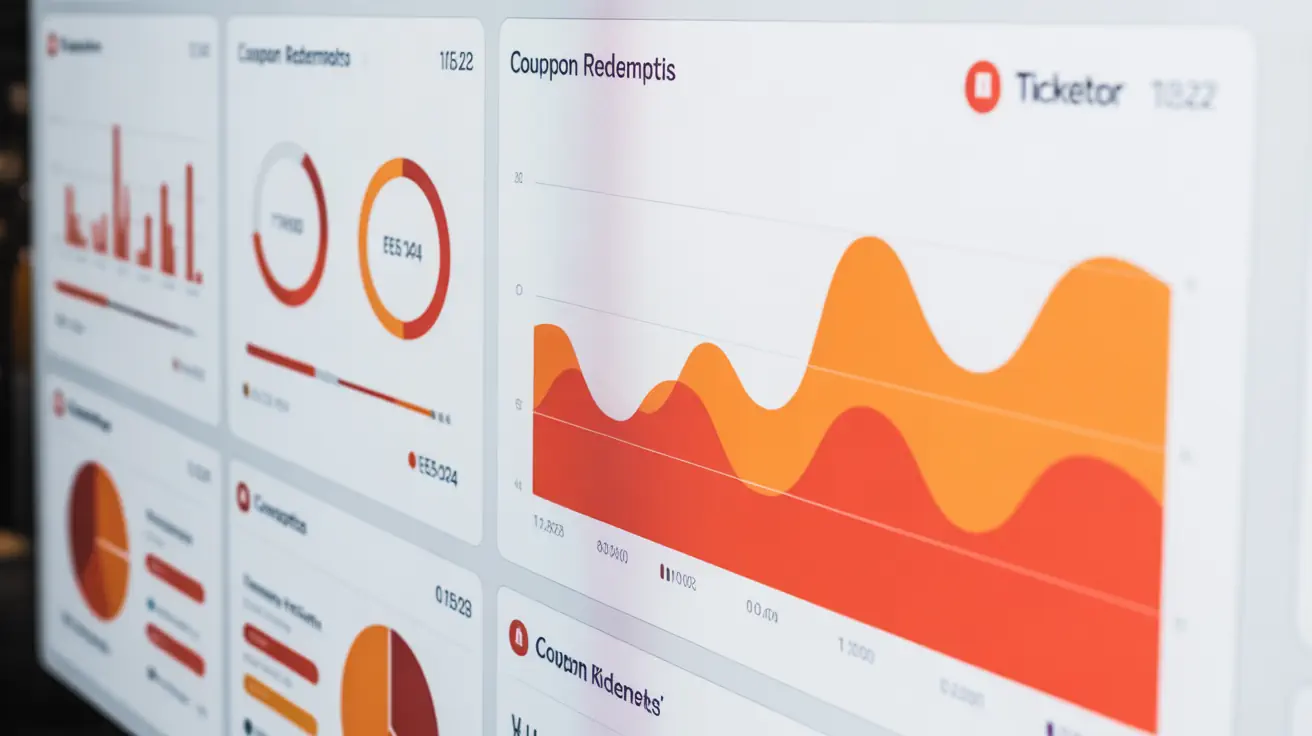
Detailed reporting on coupons, and usage. See what coupon is used for each invoice
Mass replication: Want to create one code per user? Create the first coupon and replicate it for 100's of codes.
Perfect For
Early‑bird and limited‑time offers (date‑range + auto‑apply).
Group and family pricing (min ticket count + per‑ticket discount).
Buy One Get One Free campaigns and comps (max discounted tickets per order).
Student, senior, or VIP deals (price‑range targeting).
Category or package promos (season bundles, festivals).
How to Create a Coupon
Open Control Panel › Help & Support › Help & Instructions › Coupons (Promotion codes) for a guided walkthrough. See how‑to
Choose scope: all events, category, package, or one event; enable ‘apply to merchandise’ if needed.
Pick a type (Buy One Get One Free, percent, amount‑per‑invoice or per‑ticket).
Set conditions: order value and ticket price ranges, ticket counts, different‑events requirement.
Set limits: per‑buyer usage and total usage; schedule start/end with time zone; optionally auto‑apply.
Tip: Create one‑time personal codes or broadly shareable public codes. Both are supported.
Examples
Set maximum usages per buyer to 1. Great for welcome or loyalty codes.
Set global maximum usage to 100 for a limited campaign or influencer drop.
Use Buy One Get One Free type and ticket price range filters to target GA or VIP tiers.
Frequently Asked Questions
What coupon types are available?
Buy One Get One Free, Buy Two Get One Free, Percent, Amount per Invoice, and Amount per Ticket.
How does auto‑apply work?
When enabled, Ticketor applies the best eligible coupon automatically. Only one coupon can apply per invoice; the higher discount wins.
How do I limit a coupon to one use per person?
Set ‘maximum number of usages per buyer (email)’ to 1.
Can I cap the total number of uses (e.g., 100)?
Yes. Set ‘maximum number of usage’ to the desired cap.
Can I target VIP or GA only?
Use minimum/maximum ticket price filters (including fees) to target specific price levels.
How do I run early‑bird or flash sales?
Set date/time ranges with the proper time zone for automatic start and end.
What scopes can I choose?
All events, Specific Category, Specific Package, or a single event. You can also include store merchandise.
Where can I learn the exact steps?
Coupons (Promotion codes) — step‑by‑step
Ready to boost conversion without hurting margins?
Launch targeted coupons in minutes and track performance in real time.
Select Country & Currency:
Ticketor works in most countries. Basically if one of the supported payment processors such as PayPal or Stripe work in a country / currency, Ticketor can be used to sell tickets in that country / currency.
List of all supported payment processors
United States
Canada
United Kingdom
Australia
European Union
Hong Kong
India
Ireland
Israel
Malaysia
Malta
Netherlands
Singapore
Mexico
New Zealand
Belgium
Brazil
Czech Republic
Denmark
Hungary
Japan
Norway
Philippine
Poland
Sweden
Switzerland
Taiwan
Thailand
Turkey
Kuwait
Oman
UAE
Egypt
Jordan
Saudi Arabia
Iraq